> ## Documentation Index
> Fetch the complete documentation index at: https://docs.flyhub.app/llms.txt
> Use this file to discover all available pages before exploring further.
# Getting Started
> Set up FlyHub, book your first route, and complete your first flight.
# Getting Started
This guide walks through the normal first-flight flow for a new FlyHub pilot.
This page is for Free Flight Mode. If you want structured pilot progression, read [Game Modes](/game-modes) and [Career Mode](/career-mode) first.
## Create your account
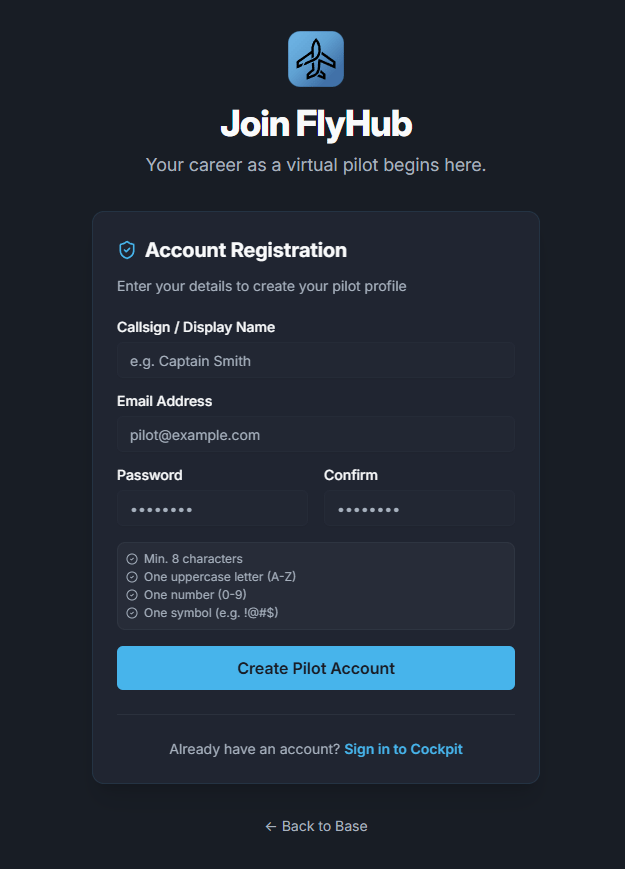 Open FlyHub and create an account. Your pilot profile starts at Cadet rank and begins tracking XP, flights, distance, and landing performance.
## Pick your tracking mode
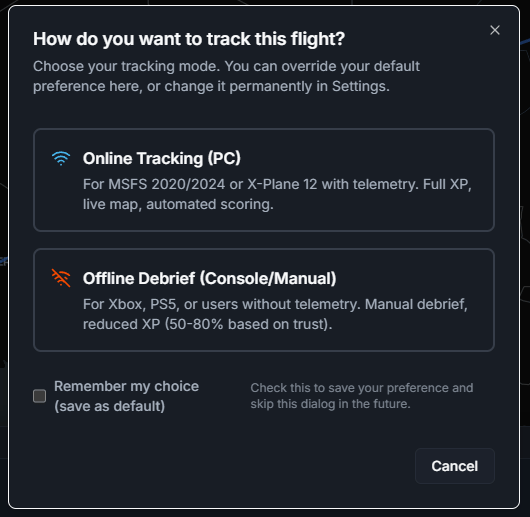
Choose the mode that matches your simulator setup:
For the full comparison, see [Tracking Methods](/tracking-methods).
| Setup | Use this mode |
| ---------------------------------- | ------------------------------------- |
| PC with Microsoft Flight Simulator | Online telemetry |
| PC with X-Plane 12 | Online telemetry after plugin install |
| Xbox or PlayStation | Manual/offline |
| PC without telemetry | Manual/offline |
Open FlyHub and create an account. Your pilot profile starts at Cadet rank and begins tracking XP, flights, distance, and landing performance.
## Pick your tracking mode
Choose the mode that matches your simulator setup:
For the full comparison, see [Tracking Methods](/tracking-methods).
| Setup | Use this mode |
| ---------------------------------- | ------------------------------------- |
| PC with Microsoft Flight Simulator | Online telemetry |
| PC with X-Plane 12 | Online telemetry after plugin install |
| Xbox or PlayStation | Manual/offline |
| PC without telemetry | Manual/offline |
 ## Install the desktop app
The desktop app is recommended for PC pilots because it connects FlyHub to the simulator. Microsoft Flight Simulator uses SimConnect. X-Plane uses the FlyHub plugin.
Console pilots can still use FlyHub through manual/offline completion.
## Book a flight
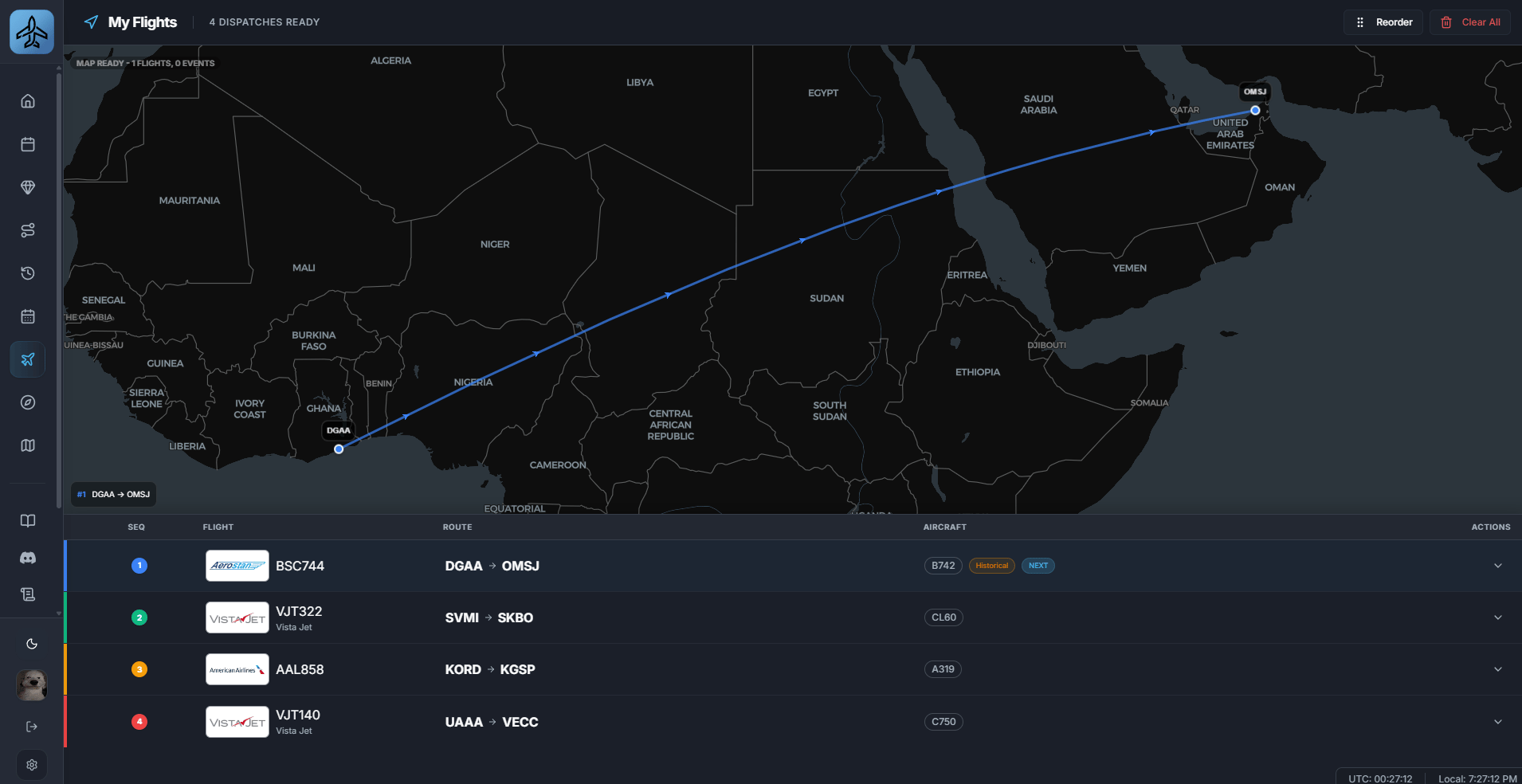
1. Open Schedules or My Flights.
2. Pick a route.
3. Choose an aircraft if prompted.
4. Book the flight.
5. Confirm that it appears in My Flights
## Install the desktop app
The desktop app is recommended for PC pilots because it connects FlyHub to the simulator. Microsoft Flight Simulator uses SimConnect. X-Plane uses the FlyHub plugin.
Console pilots can still use FlyHub through manual/offline completion.
## Book a flight
1. Open Schedules or My Flights.
2. Pick a route.
3. Choose an aircraft if prompted.
4. Book the flight.
5. Confirm that it appears in My Flights
 ## Start before departure
Start the flight in FlyHub before you depart. For online telemetry, spawn at the departure airport and keep FlyHub open while flying.
## Finish after arrival
After landing and taxi-in, close the flight in FlyHub. FlyHub saves the logbook entry, calculates your score, and awards XP.
## Common first-flight mistakes
* Starting the simulator flight but forgetting to start the FlyHub booking.
* Installing the X-Plane plugin without restarting X-Plane.
* Closing the simulator before closing the flight in FlyHub.
* Using offline mode when online telemetry was intended.
## Start before departure
Start the flight in FlyHub before you depart. For online telemetry, spawn at the departure airport and keep FlyHub open while flying.
## Finish after arrival
After landing and taxi-in, close the flight in FlyHub. FlyHub saves the logbook entry, calculates your score, and awards XP.
## Common first-flight mistakes
* Starting the simulator flight but forgetting to start the FlyHub booking.
* Installing the X-Plane plugin without restarting X-Plane.
* Closing the simulator before closing the flight in FlyHub.
* Using offline mode when online telemetry was intended.