

Getting Started
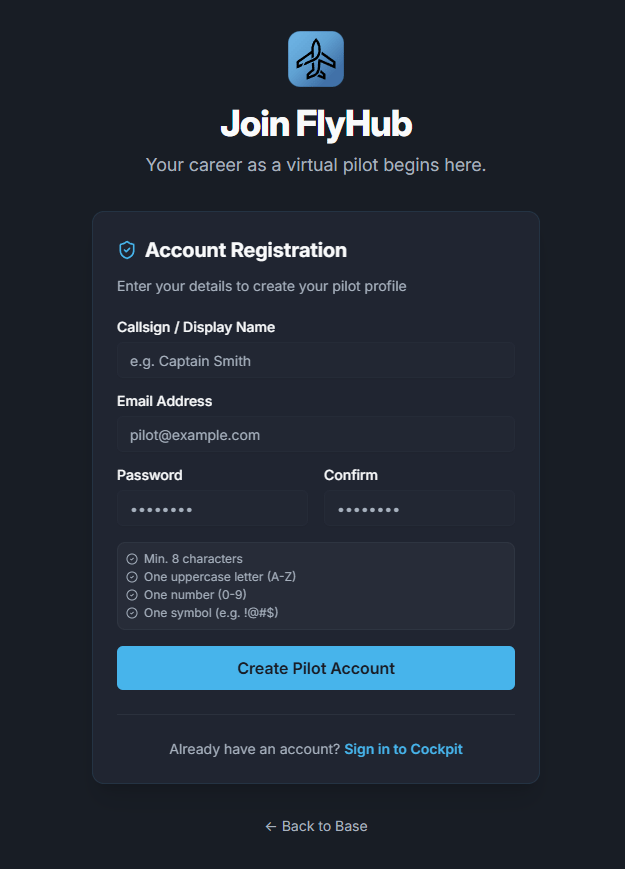
This guide walks through the normal first-flight flow for a new FlyHub pilot. This page is for Free Flight Mode. If you want structured pilot progression, read Game Modes and Career Mode first.Create your account
Pick your tracking mode
Choose the mode that matches your simulator setup: For the full comparison, see Tracking Methods.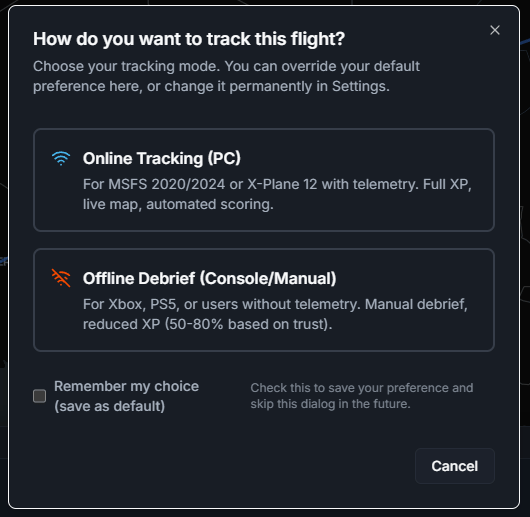
Install the desktop app
The desktop app is recommended for PC pilots because it connects FlyHub to the simulator. Microsoft Flight Simulator uses SimConnect. X-Plane uses the FlyHub plugin. Console pilots can still use FlyHub through manual/offline completion.Book a flight
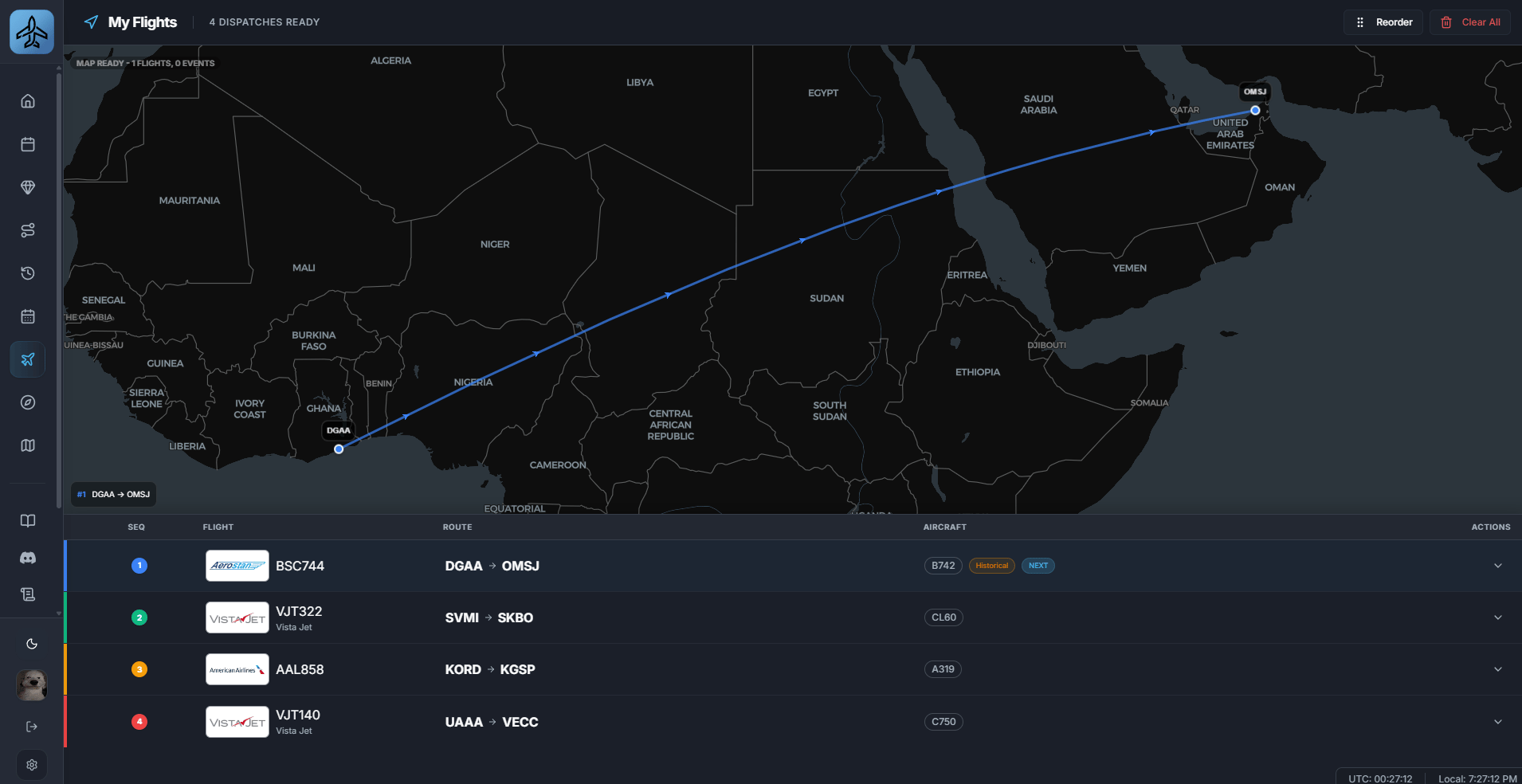
- Open Schedules or My Flights.
- Pick a route.
- Choose an aircraft if prompted.
- Book the flight.
- Confirm that it appears in My Flights
Start before departure
Start the flight in FlyHub before you depart. For online telemetry, spawn at the departure airport and keep FlyHub open while flying.Finish after arrival
After landing and taxi-in, close the flight in FlyHub. FlyHub saves the logbook entry, calculates your score, and awards XP.Common first-flight mistakes
- Starting the simulator flight but forgetting to start the FlyHub booking.
- Installing the X-Plane plugin without restarting X-Plane.
- Closing the simulator before closing the flight in FlyHub.
- Using offline mode when online telemetry was intended.