

Installing the Desktop App
FlyHub Desktop is the recommended companion app for PC pilots. It runs beside your simulator and handles telemetry, active-flight tracking, overlay prompts, and recovery snapshots.When you need it
Install FlyHub Desktop if you use:- Microsoft Flight Simulator 2020 or 2024 on PC.
- X-Plane 12 on PC.
- The in-sim overlay.
- Automatic flight tracking.
- Crash recovery for active flights.
Where to download it
Download FlyHub Desktop from your FlyHub account.- Go to flyhub.app.
- Log in to your FlyHub account.
- Open the Dashboard.
- Download FlyHub Desktop from the Dashboard.
- Install it on the same PC where you run your simulator.
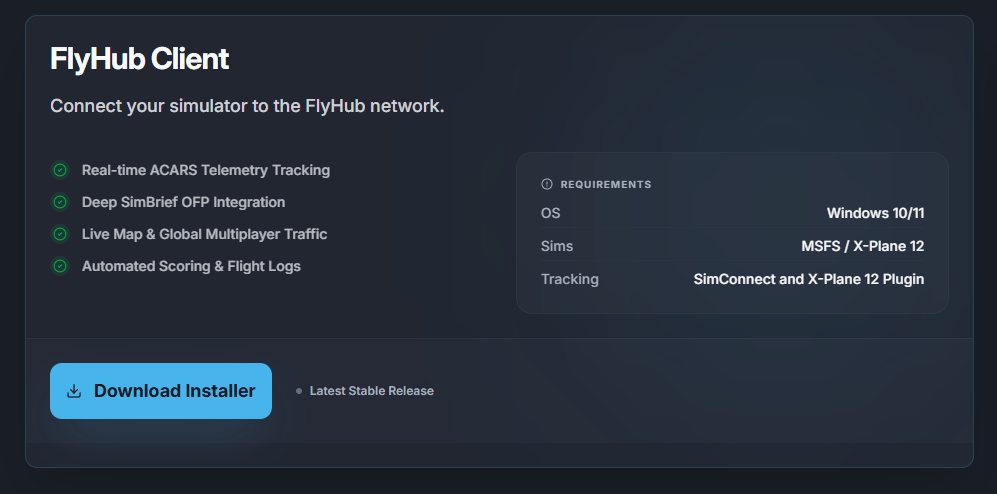
App updates
FlyHub Desktop updates automatically. When an update is available, the app downloads and applies it for you. Keep the app updated so simulator tracking, overlays, recovery, and the X-Plane plugin tools stay current.Microsoft Flight Simulator
Microsoft Flight Simulator connects through SimConnect. No separate simulator plugin is required.- Start Microsoft Flight Simulator.
- Open FlyHub Desktop.
- Book and start a flight in FlyHub.
- Spawn at the departure airport.
- Keep FlyHub open while flying.
X-Plane
X-Plane requires the FlyHub plugin.- Open FlyHub Desktop.
- Go to Settings.
- Find the X-Plane Plugin section.
- Select your X-Plane folder.
- Install or update the plugin.
- Restart X-Plane.