

Leaderboard
The Leaderboard shows the top Free Flight pilots in FlyHub. Use it to compare XP, flights, hours, average score, and rank progress with other pilots. This page is for the Free Flight Leaderboard. Career Mode has its own separate leaderboard.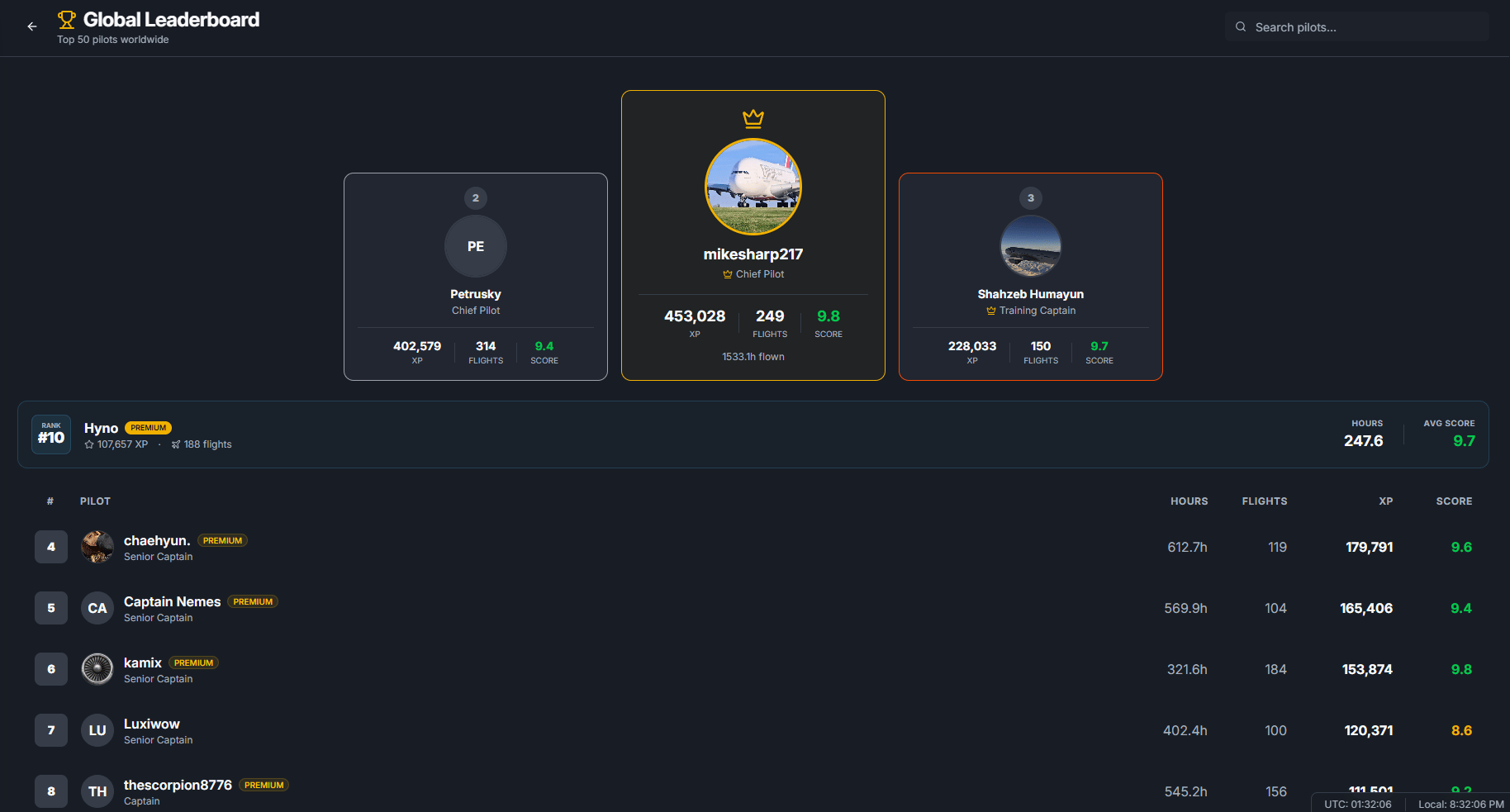
Opening the Leaderboard
You can open the Leaderboard from Free Flight Mode. Common ways to get there:- Open the Free Flight Dashboard.
- Use the Global Rankings preview or Quick Links.
- Open Leaderboard.
What the Leaderboard ranks
The Free Flight Leaderboard is ranked by total XP. Pilots with more total XP appear higher. The leaderboard can show:- Rank number.
- Pilot name.
- Profile picture or initials.
- FlyHub rank title.
- Premium badge when the pilot has Captain.
- Total XP.
- Total flights.
- Total flight hours.
- Average score.
Top 50 pilots
The main list shows the top 50 Free Flight pilots. If you are not in the top 50, you can still see your own position in the Your Rank section when you are logged in.Top 3 podium
When you are viewing the normal leaderboard list, FlyHub highlights the top 3 pilots in a podium. The podium is a quick view of the highest-ranked pilots by XP. It does not replace the full top 50 list below it.Your Rank section
The Your Rank section shows your personal leaderboard position. It can include:- Your global rank.
- Your display name.
- Your premium badge if you have Captain.
- Your total XP.
- Your total flights.
- Your total hours.
- Your average score.
Searching pilots
Use the search box to search by pilot display name. Search works inside the leaderboard list that is currently loaded. This means it is best for finding a pilot inside the top 50 list. It is not a full search of every FlyHub account.Opening pilot profiles
You can click a pilot on the leaderboard to open their public profile. A public profile can show that pilot’s visible stats, rank progress, badges, and logbook information. Use the back button or the return link on the profile page to go back to the leaderboard.How to climb the Leaderboard
To move up the Free Flight Leaderboard:- Book and complete Free Flight flights.
- Earn XP from completed flights.
- Keep a strong average score.
- Avoid penalties that reduce flight results.
- Use online tracking when available for the most complete scoring.
- Use Manual and Offline Mode honestly when online tracking is not available.